

Download T VPN – secure VPN, free VPN, privacy tool, high-speed network, online security
Overview
T VPN (PRO) is a desktop application designed to enhance online privacy and security by encrypting internet connections and masking users’ IP addresses. Developed by T Group, a recognized name in the security and privacy space, the software aims to protect personal data from potential threats during web browsing. It is particularly suited for individuals seeking a straightforward way to secure their online activities without technical complexity. The tool is ideal for consumers concerned about data exposure, especially when using public Wi-Fi networks or accessing geo-restricted content.
Users can leverage T VPN (PRO) for everyday browsing, streaming, and gaming, with the software optimized to maintain high-speed performance across various network types. The application supports both Windows and Mac operating systems, broadening its accessibility to a wide audience. Real-world scenarios include securing sensitive information during remote work, bypassing regional content restrictions, or protecting personal data on shared networks. Despite its focus on ease of use, the software includes advanced features such as a Kill Switch to prevent data leaks during unexpected disconnections.
While the developer is known for reliable security tools, specific details about the company’s history or broader product portfolio were not provided. The software was released on April 15, 2024, and is available at no cost. Its small file size of 12.5 MB makes it quick to download and install, aligning with the needs of users seeking lightweight, efficient tools.
Key Features & Capabilities
- Secure Connection Encryption – T VPN (PRO) encrypts all internet traffic to protect users from data interception and surveillance.
- High-Speed Network Access – The software connects to a network of servers optimized for low latency, supporting smooth streaming and gaming experiences.
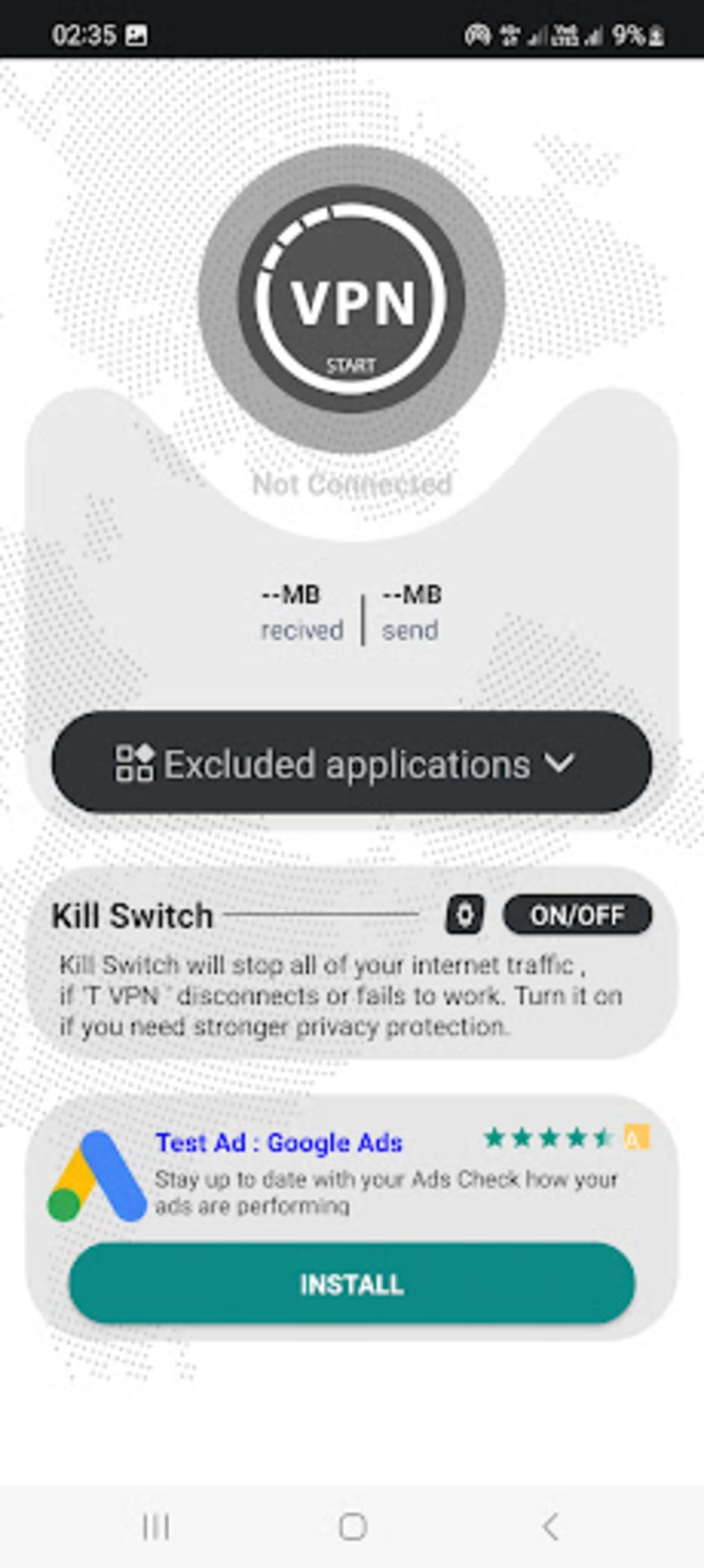
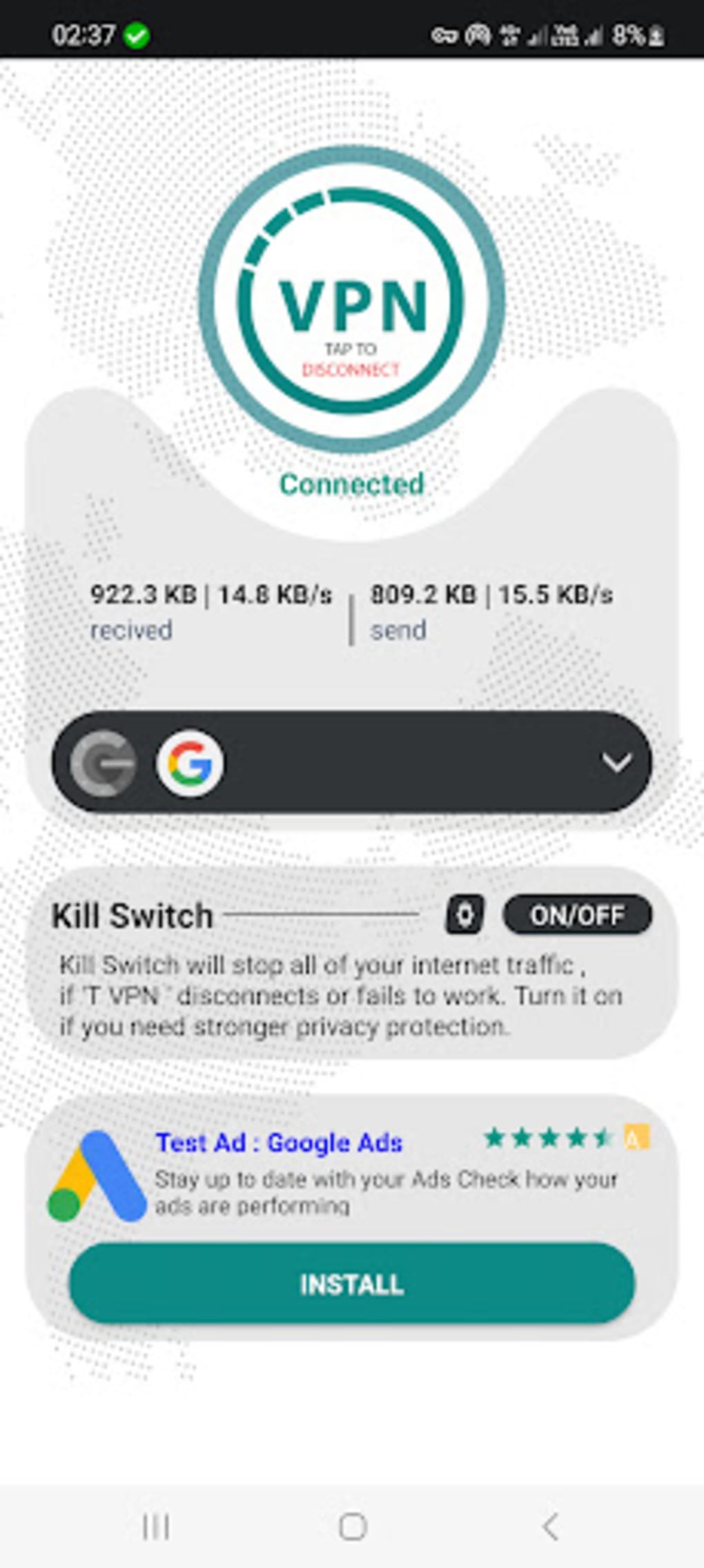
- One-Touch Activation – A single click enables the VPN, making it accessible even for users unfamiliar with network security tools.
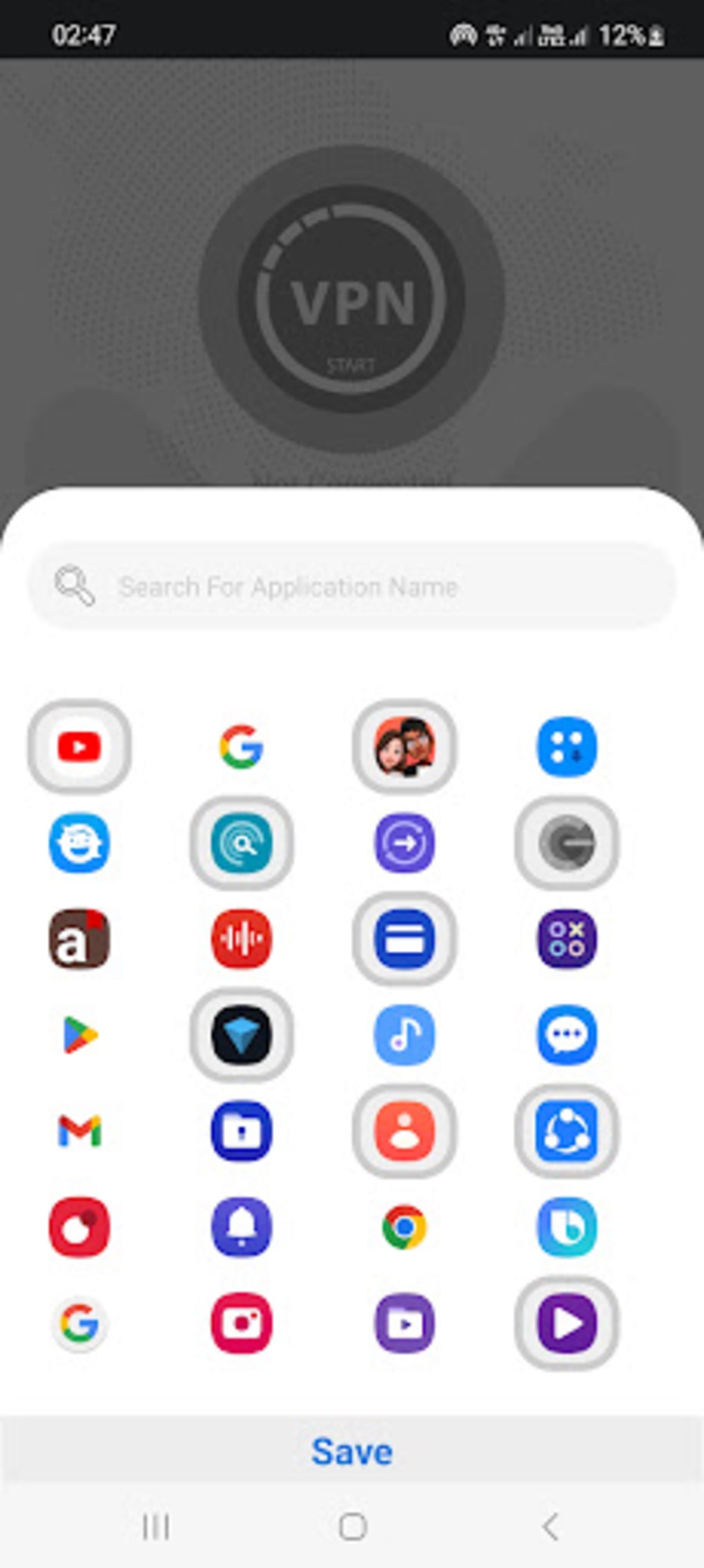
- App-Level Access Control – Users can selectively route specific applications through the VPN, enabling targeted privacy protection.
- Kill Switch Feature – Automatically blocks all internet traffic if the secure connection drops, preventing accidental data exposure.
- Multi-Platform Support – Available for both Windows and Mac, ensuring compatibility with major desktop operating systems.
These features are particularly useful in scenarios such as accessing region-locked video content, protecting sensitive data on public networks, or maintaining privacy during online transactions. The ability to choose which apps use the VPN allows for flexible, granular control, minimizing unnecessary bandwidth usage. The Kill Switch ensures that privacy is maintained even during unstable connections, a critical safeguard for users handling confidential information.
User Interface, Workflow & Performance
The user interface of T VPN (PRO) is described as sleek and intuitive, prioritizing simplicity and accessibility. Navigation is streamlined, with essential functions such as connection and disconnection available through a single button. This design philosophy makes the software suitable for both novice users and those with limited technical experience.
Workflow efficiency is enhanced by the one-touch activation system, which reduces setup time and minimizes user errors. The application likely follows a minimalistic layout, focusing on core functionality without clutter. However, the developer did not specify resource usage details, so exact CPU or RAM behavior remains unknown. Performance observations are based on general software behavior patterns.
While the software is designed for high-speed performance, users have reported that connecting to a server can take a considerable amount of time. This delay may affect the overall user experience, particularly in time-sensitive situations. Stability during extended use and responsiveness under heavy network loads were not specified. The software’s small file size suggests efficient code, but detailed performance benchmarks were not provided.
Compatibility & System Requirements
T VPN (PRO) is compatible with both Windows and Mac operating systems. The software version is 1.0.1, released on April 15, 2024. The installation file size is 12.5 MB, indicating a lightweight footprint that should not strain system resources during installation or operation.
Exact system requirements were not listed. This includes details about minimum processor speed, RAM, or disk space needed for optimal performance. Platform compatibility information is limited to the two major desktop operating systems. Users are advised to verify their system meets general requirements for running desktop applications, as specific thresholds were not disclosed.
Pros and Cons
Pros
- Free to download and use with no subscription required
- Simple, one-touch interface ideal for beginners
- Includes a Kill Switch to prevent data leaks
- Supports both Windows and Mac platforms
- Optimized for streaming and gaming with high-speed connections
- Small file size (12.5 MB) for fast downloads
Cons
- Connection time to servers may be longer than average
- Limited information on system requirements and resource usage
- Exact performance metrics and benchmark data were not provided
- Developer background details were not fully disclosed
- No mention of logging policy or third-party data sharing
FAQ Section
Is T VPN (PRO) safe to use?
The software is designed to provide secure, encrypted connections. However, specific details about data logging practices or third-party sharing were not provided. Users should exercise caution when handling sensitive information.
Can I use T VPN (PRO) on both Windows and Mac?
Yes, the application is available for both Windows and Mac operating systems.
Does T VPN (PRO) require a subscription?
No, the software is free to download and use without any subscription or in-app purchases.
How do I update T VPN (PRO)?
Updates are likely delivered through the official download channel. Users should check the developer’s website for the latest version.
Can I use T VPN (PRO) offline?
The software requires an active internet connection to establish a secure tunnel. It cannot function without an online connection.
Final Thoughts + CTA
T VPN (PRO) delivers a compelling combination of security, simplicity, and accessibility for users seeking a free, no-frills VPN solution. Its one-touch operation, Kill Switch, and support for multiple platforms make it a strong contender among privacy tools. While connection times may be slower than expected, the trade-off for enhanced security and ease of use is reasonable for many users.
It is especially beneficial for individuals who prioritize privacy during casual browsing, streaming, or gaming but lack the technical expertise to manage complex configurations. The free model and small footprint further enhance its appeal. For those looking for a straightforward, secure desktop application to protect their online presence, T VPN (PRO) is a practical choice.
Download T VPN now






.png)
